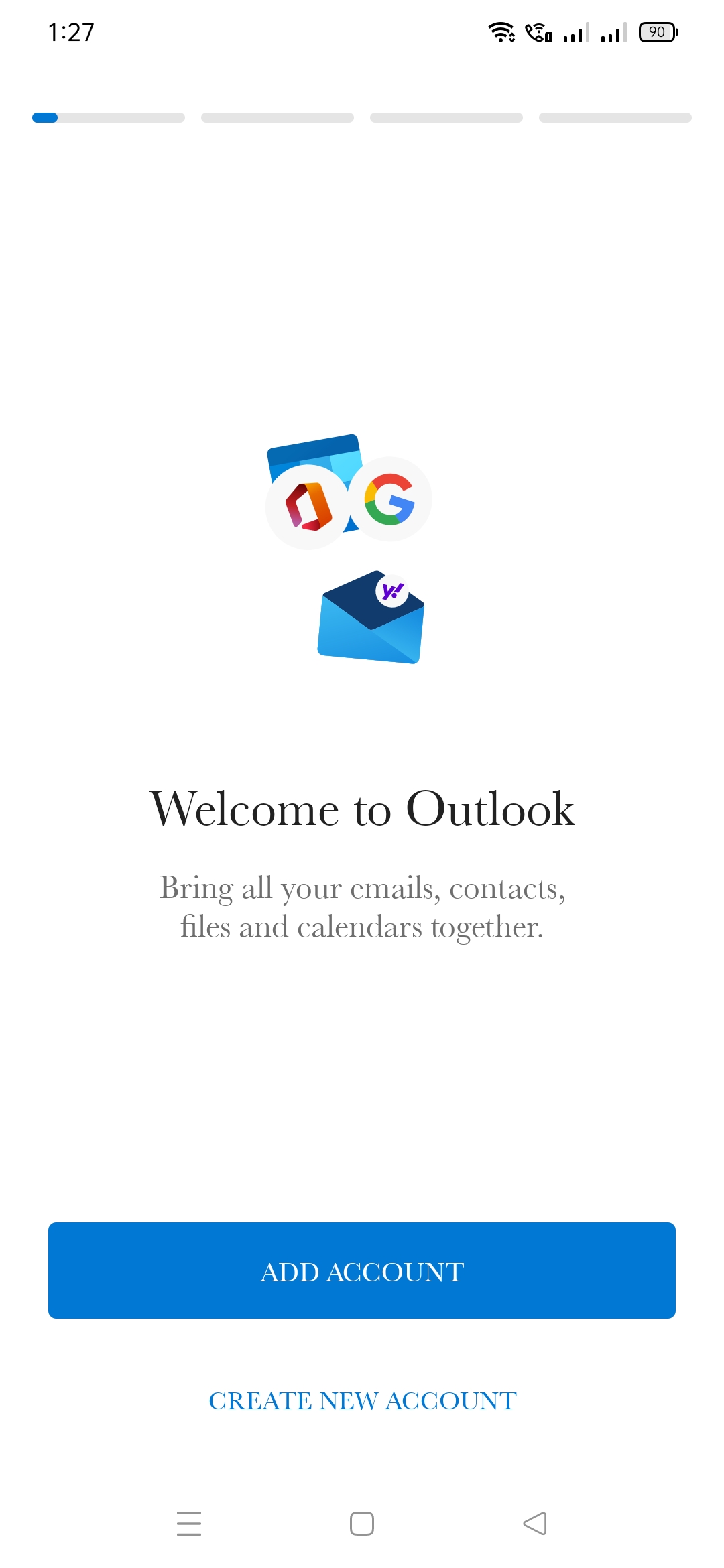
- Open Outlook client:
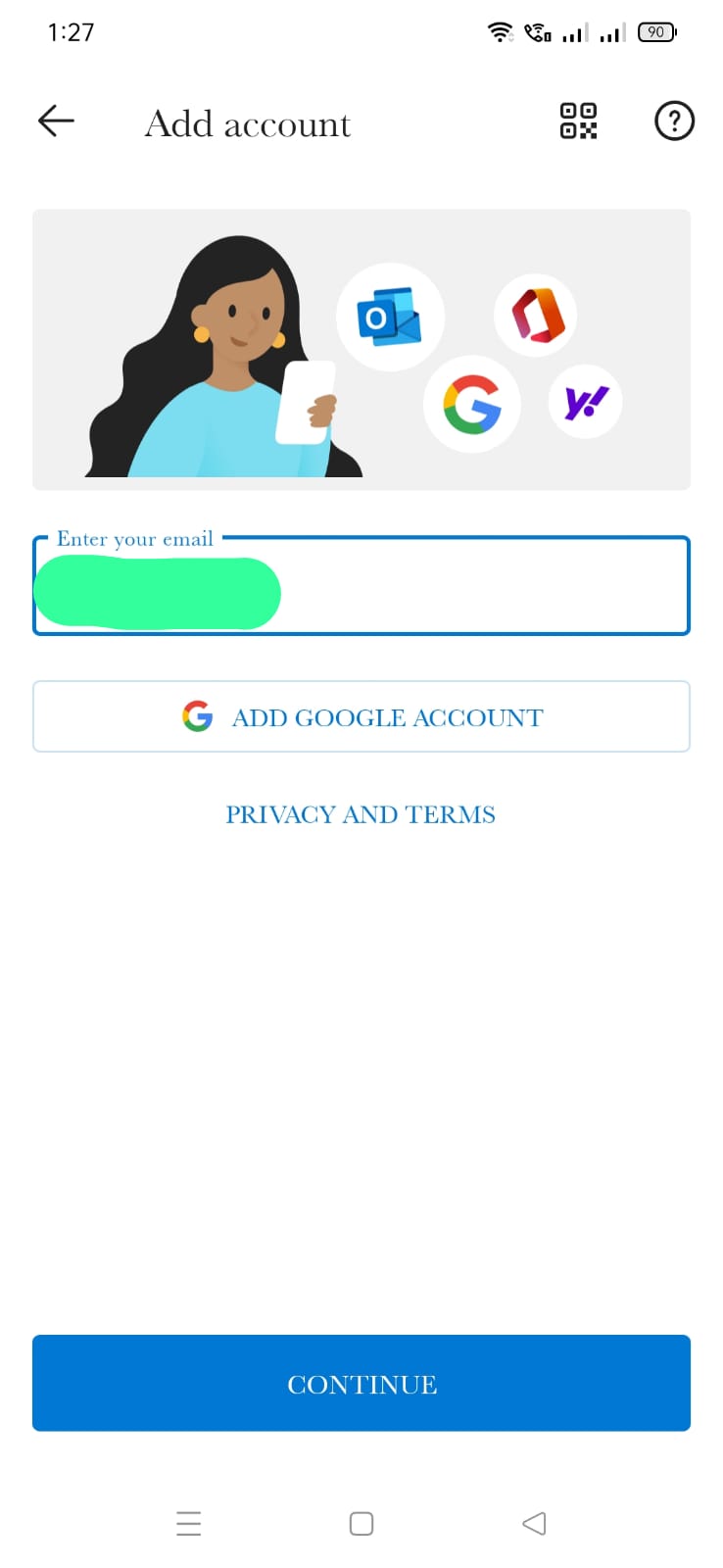
2. Add account and enter your mail id:
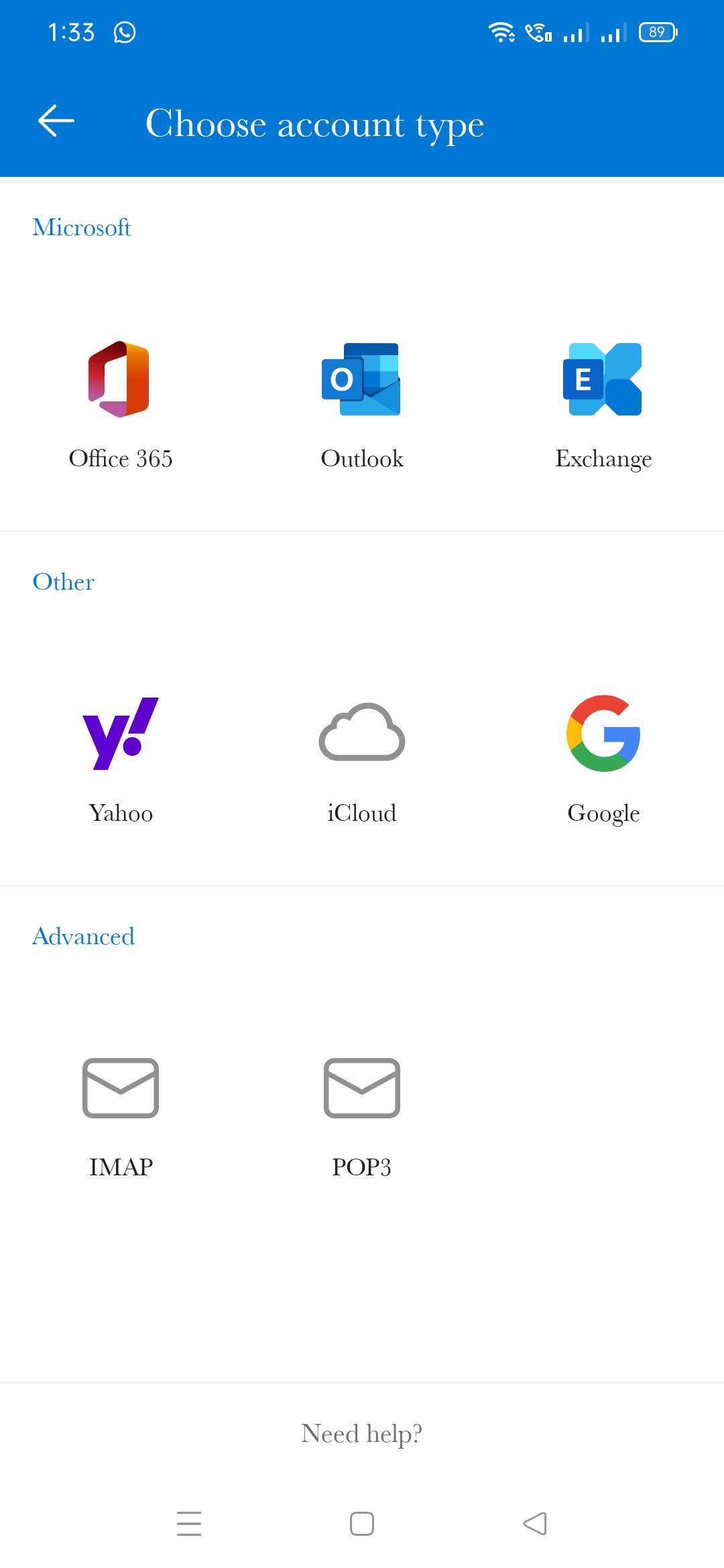
3. Choose IMAP:
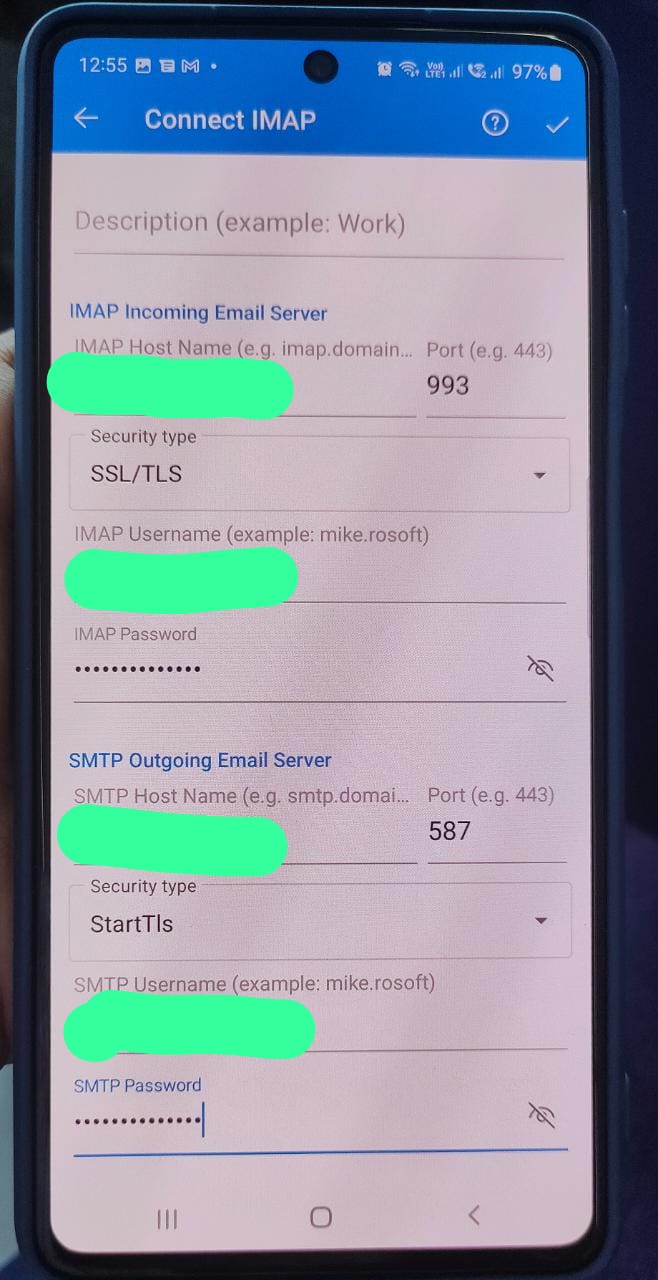
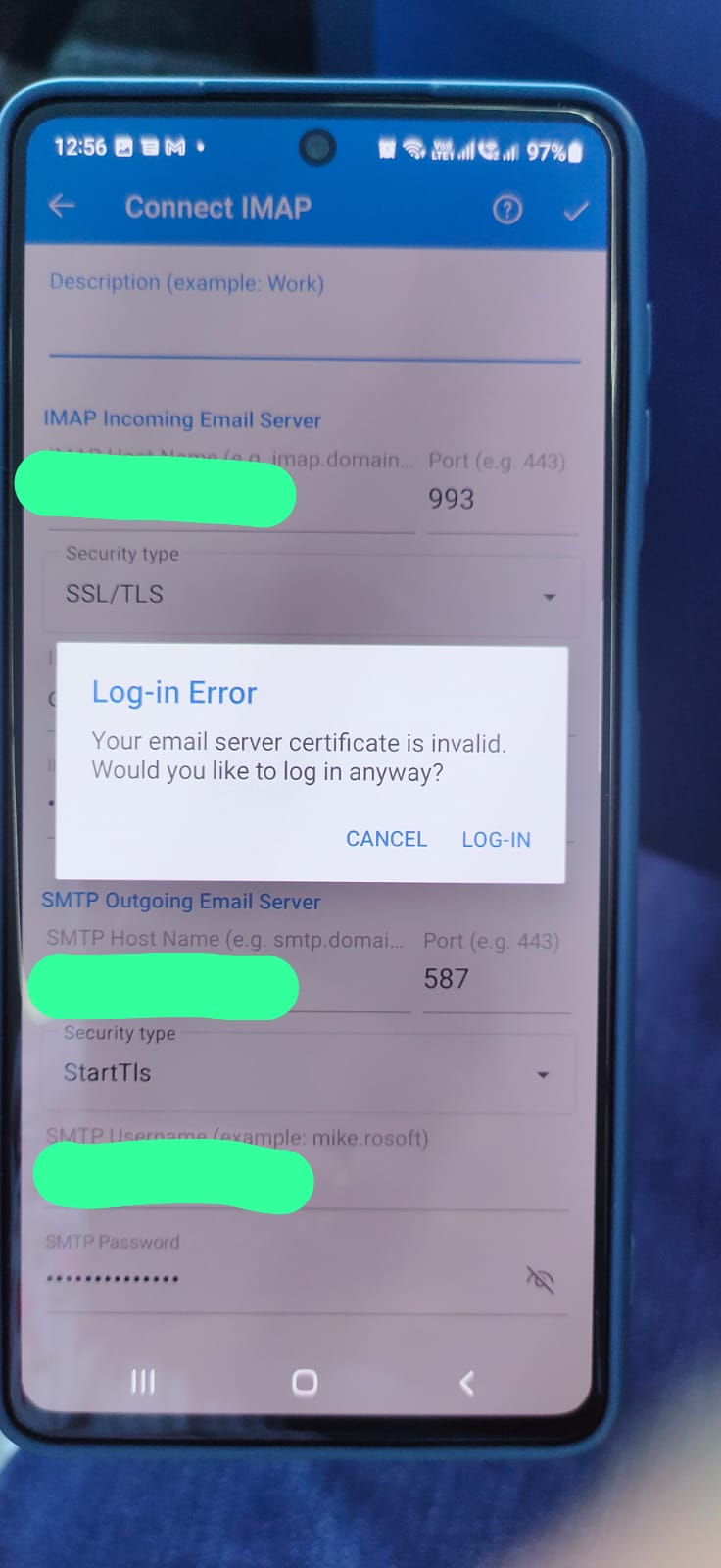
4. Then enter :-
Display Name : name
IMAP Incoming Email Server: mail.domain
Port: 993
Security type: SSL/TLS
IMAP Username: mail id
IMAP Password: ####
SMTP Outgoing Email Server: mail.domain
Port: 587
Security type: StartTls
SMTP Username: mail id
SMTP Password: ####
5. Click Login:
Done,now you have successfully configured mail in Outlook client.